Opening analysis
Chess Statistics: How to Read Opening and Player Results
Read chess statistics by checking the sample first: source, dates, time controls, player color and game count. Opening frequency tells you what occurred in those games. Results describe that sample, while engine evaluation describes a position. Neither predicts your next result.

Your preparation checklist
- Keep White and Black samples separate.
- Compare win rates alongside the game count.
- Distinguish popularity, results and engine evaluation.
- Replay example games before choosing a preparation line.
Frequency, results and evaluation answer different questions
Frequency measures how often a move or opening appears in the selected games. The result split counts wins, draws and losses. Stockfish evaluates a board position under its search settings. A frequently played move can have mixed results, and a strong engine move can be difficult to handle in practice.
| Signal | Useful question | Limit |
|---|---|---|
| Frequency | What did this player or database sample play? | The sample may omit games or time controls. |
| Results | What happened in games reaching this line? | Opponent strength and later mistakes affect results. |
| Engine evaluation | What does the engine find in this position? | It does not predict a human game’s result. |
Worked example: a higher win rate can hide a smaller sample
Imagine opening A appears in 40 games: 18 wins, 12 draws and 10 losses. Its win rate is 45%. Opening B appears in five games: three wins, one draw and one loss. Its win rate is 60%, but it represents far fewer games. These are hypothetical numbers, not measurements of a ChessHunter player.
If you use chess score percentage, draws count as half a point: opening A scores (18 + 12/2) / 40 = 60%; opening B scores (3 + 1/2) / 5 = 70%. Win rate and score percentage are different measures. Check what a chart labels before comparing them.
Do not select B solely because its percentage is higher. Check opponent ratings, dates, time controls and the actual positions. A few games can be useful leads without supporting a broad conclusion.
Read a player’s statistics by color and source
Open a player profile and verify the identity and account links. Inspect the White and Black opening summaries separately. Keep the same filters when comparing openings, then select a branch and replay games from the history.
For Black, a displayed opening also depends on White’s choices. A player cannot reach a particular defense against every first move. Compare replies from the same starting position rather than treating all Black games as interchangeable.
Compare player games with a master database
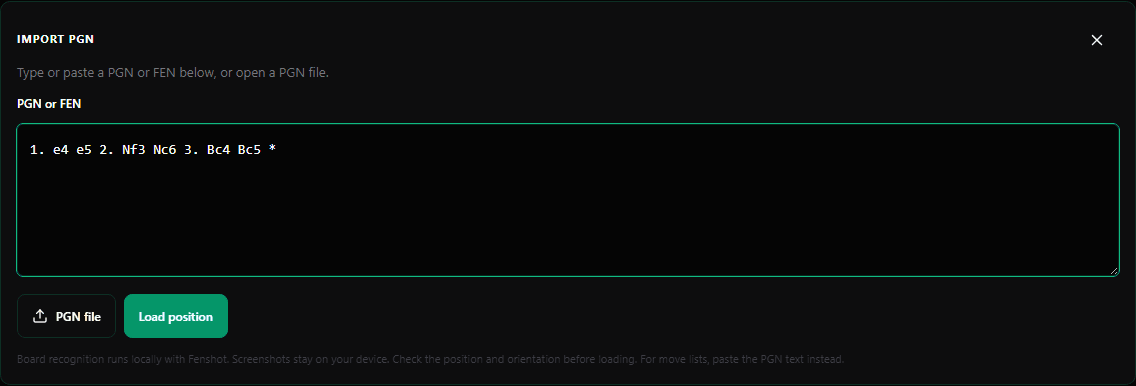
In Playground, enter your opening moves and inspect Master DB continuations. Add a player panel to examine their available replies at the same position. Read the count and result split for each sample; a master database and an online account can represent very different playing conditions.
Open example games to see the plans after the opening. Use Stockfish to check a concrete tactical question, then choose a line you understand. Popularity is a research starting point, not proof that a move is best.
Frequently asked questions
Does a high chess opening win rate mean the move is best?
No. Results depend on the sample, opponent strength and decisions made later in the game. Inspect the games and position before choosing a move.
How many games are enough to judge an opening?
There is no universal cutoff. Consider the question, sample diversity and coverage. A small sample may identify a line to investigate, but does not establish a reliable prediction.
Sources & further reading
The numerical example is illustrative. Practical study suggestions are ChessHunter editorial recommendations.